Is Your Roborock Losing Steam?
Picture this: you set your trusty Roborock S5 on its daily cleaning mission, only to find it sputtering out halfway through. Annoying, right? If your smart vacuum isn’t covering as much ground as it used to or is making more pit stops at the charging dock, the culprit is likely an aging battery.
Like any rechargeable device, your Roborock’s battery degrades over time, affecting its performance and runtime. But don’t worry—you don’t need to replace your entire vacuum! A simple battery swap can bring your device back to life, and we’ve got the perfect solution for you.
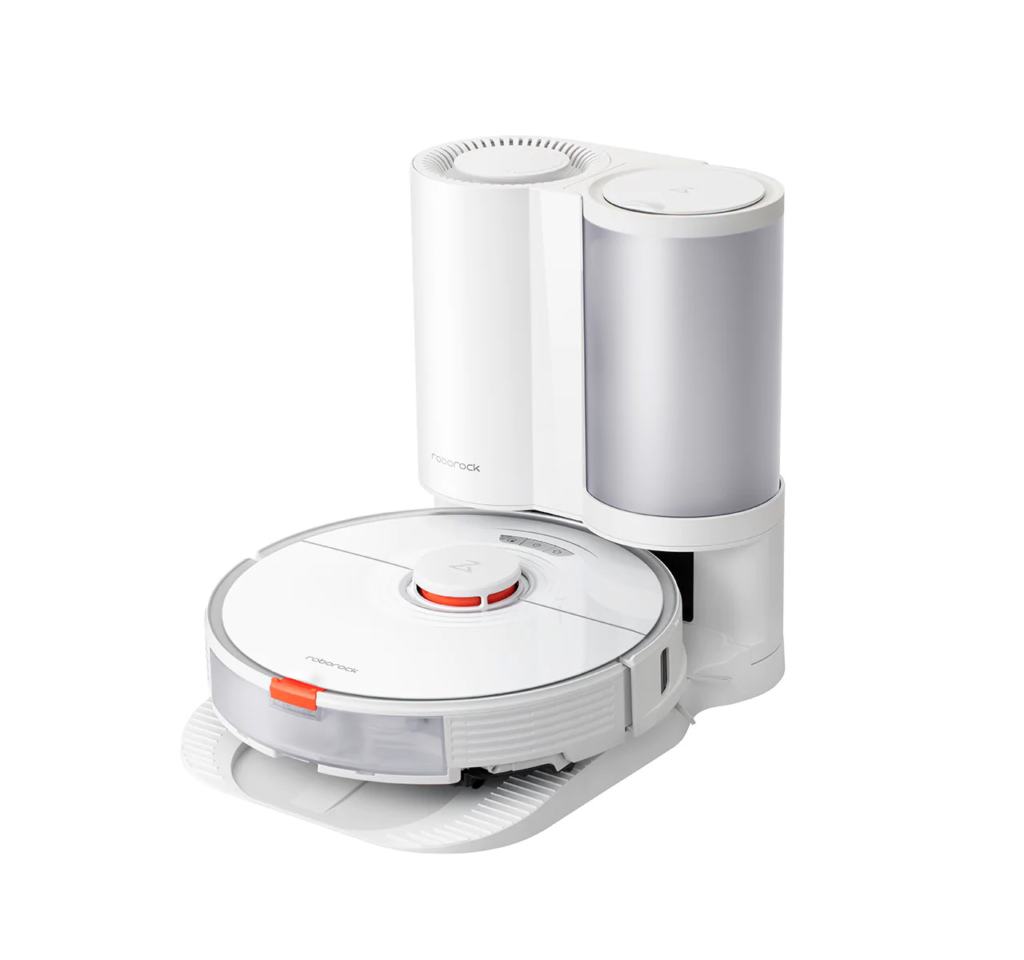
Why Replace Your Roborock Battery?
Xiaomi’s Roborock series, including popular models like S4, S5, S6, and S7, are designed to last. But after hundreds of cleaning cycles, even the best batteries lose their charge capacity. Here’s why replacing your Roborock battery is a game-changer:
- Restores Full Runtime: Get back to the original 2-3 hour battery life.
- Improves Efficiency: No more frequent charging breaks mid-cleaning.
- Cost-Effective Solution: A new battery is way cheaper than buying a brand-new robot vacuum.
Choosing the Right Battery
When selecting a replacement, compatibility and quality matter. That’s why we recommend the BRR-2P4S-5200D battery, a high-performance replacement compatible with multiple Roborock models.
Specs That Matter:
- Capacity: 5200mAh
- Voltage: 14.4V
- Type: Li-ion
- Certified Safe: CE, UL, ROHS, ISO9001/9002 approved
- Long-lasting: Can handle at least 600 charge cycles
The BRR-2P4S-5200D battery from Batterie Star is rigorously tested to meet or exceed original Xiaomi standards. This means no overheating, no power drops—just seamless cleaning, like the good old days!
How to Replace Your Roborock Battery
Replacing the battery is easier than you think! Follow these simple steps:
- Turn Off & Unplug your Roborock vacuum.
- Flip It Over and locate the battery compartment.
- Remove the Screws and open the compartment.
- Take Out the Old Battery carefully.
- Insert the New BRR-2P4S-5200D Battery and secure it in place.
- Reassemble the Cover, tighten the screws, and you’re done!
- Charge It Fully before using your vacuum again.
Pro Tips to Extend Battery Life
- Avoid Extreme Temperatures: Heat and cold can degrade lithium-ion batteries faster.
- Don’t Keep It at 100% or 0% Charge: Try to keep it between 20-80% charge for longevity.
- Use Standard Charging: Fast charging can wear down battery life faster.
- Store in a Dry Place: Moisture and battery life don’t mix well.
Ready to Bring Your Roborock Back to Life?
Upgrading your Roborock with a brand-new battery is one of the easiest ways to keep your smart vacuum in top shape. Don’t let a dying battery slow you down—grab a BRR-2P4S-5200D replacement battery from Batterie Star and enjoy uninterrupted cleaning power!
Have you replaced your Roborock’s battery before? Let us know your experience in the comments!