Let’s face it: in 2025, most of us panic if we’re separated from our phones for three minutes, let alone three days.
But in a rare twist of events, Google is betting on the unlikely — and it just might save your digital life.
As part of the new Google Play Services v25.14 update, Android phones will now automatically reboot themselves if they’ve been locked and unused for three consecutive days. No push notification. No pop-up warning. Just a quiet, behind-the-scenes “nap and reset,” like your phone took itself to a spa retreat.
Now, before you freak out that your Android is becoming self-aware, let’s break this down — and talk about why this “lazy phone reboot” might actually be one of the best things that’s happened to mobile security in years.
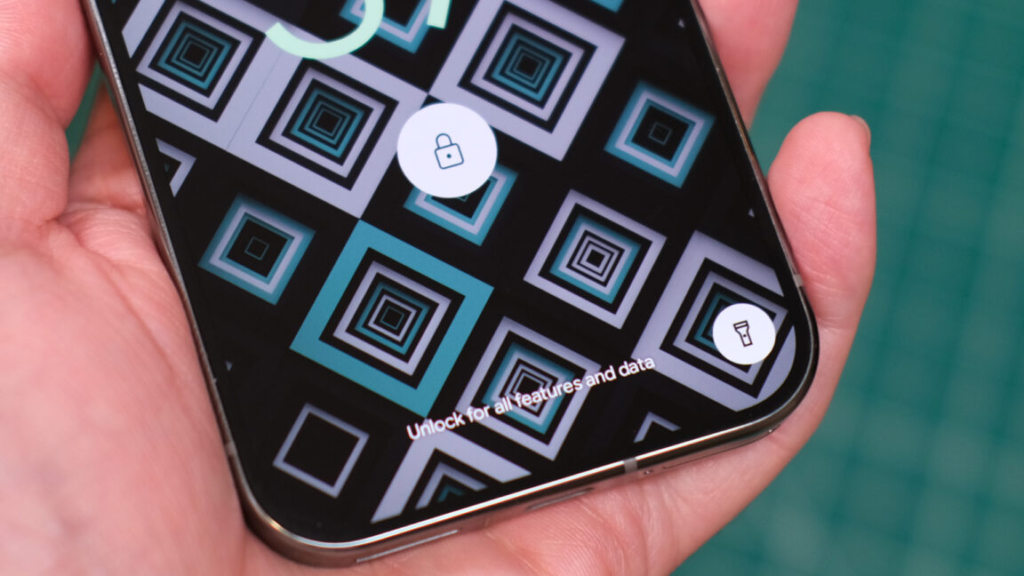
🔐 Why Your Phone Needs a Timeout
The technical term for what your phone enters after a reboot is the “Before First Unlock” (BFU) state. Think of it as Fort Knox for your data.
In this state, all of your phone’s juicy personal info — messages, photos, banking apps, location data, you name it — remains locked behind full encryption. No facial recognition. No fingerprint scanner. Just your passcode.
That means if your phone is lost, stolen, or sitting on a detective’s desk somewhere, they can’t access a thing unless they know your code. And unless your password is “1234” or “password” (please fix that), this feature just made your phone way more secure.
This level of protection isn’t new — Apple introduced something similar in iOS 18.1, much to the dismay of certain law enforcement agencies. Now, Google is bringing that same kind of “data self-defense” to Android. Quietly. Automatically. Efficiently.
But here’s the twist — this elegant security maneuver only works if your phone can survive three days on standby without dying. And that’s where the plot thickens…
🔋 The Secret Weak Link? Your Battery
So your phone is safe. Great! Now imagine this scenario:
You haven’t touched your phone in a while. Maybe you’re on vacation. Maybe you forgot it in a drawer. Maybe you’re in the middle of a 72-hour social media detox (who are we kidding?). Day 3 hits, and your phone prepares for its heroic, encrypted auto-reboot…
…except it doesn’t.
Why? Because your battery gave up sometime around Day 1.5.
Oops.
This new reboot feature is brilliant in theory — but it requires a phone that’s not just secure, but also healthy enough to keep running in sleep mode for three days straight. And if your current battery has the energy stamina of a potato, you’re in trouble.
That’s why now is the perfect time to consider upgrading to a reliable, high-performance Android phone replacement battery.
⚡ Upgrade Your Battery, Upgrade Your Phone’s IQ
Let’s be honest — if your phone can’t hold a charge overnight, it’s not “vintage,” it’s vulnerable.
Sites like Batteryestar.com offer high-quality Android phone replacement batteries for all the big-name brands: Samsung, Google Pixel, OnePlus, Motorola, and more. Swapping out your aging battery is like giving your phone a second wind — and it costs way less than buying a new device.
Here’s what a battery upgrade gives you:
- ✅ Reliable standby power for features like auto-restart
- ✅ Longer daily use (yes, even with GPS and Instagram running)
- ✅ Extended overall device life
- ✅ Better resale value (if you’re into that)
Plus, with security features getting smarter, your hardware should be ready to keep up. A sluggish battery doesn’t just affect convenience anymore — it now affects data protection.
So unless you want your phone passing out before it can even secure itself, do your digital future a favor and grab an Android phone replacement battery now.
🤖 Final Thoughts: When Inactivity Becomes Intelligence
We’re officially in an era where phones don’t just run apps — they run defense strategies. This new Android feature is one of those rare security updates that just works without you doing anything. No settings to configure. No permissions to approve. It just kicks in when your phone’s been chilling too long.
But don’t let your tired old battery be the thing that ruins this quiet technological win.
A good Android phone replacement battery could mean the difference between:
- A phone that silently resets to protect your secrets
— and — - A phone that silently dies with a sad beep and takes your privacy with it.
Your phone is trying to look out for you. The least you can do is give it the power to do so.
So go ahead — leave your phone on the shelf for three days. Just make sure it’s running on a battery that’s still got some fight in it.